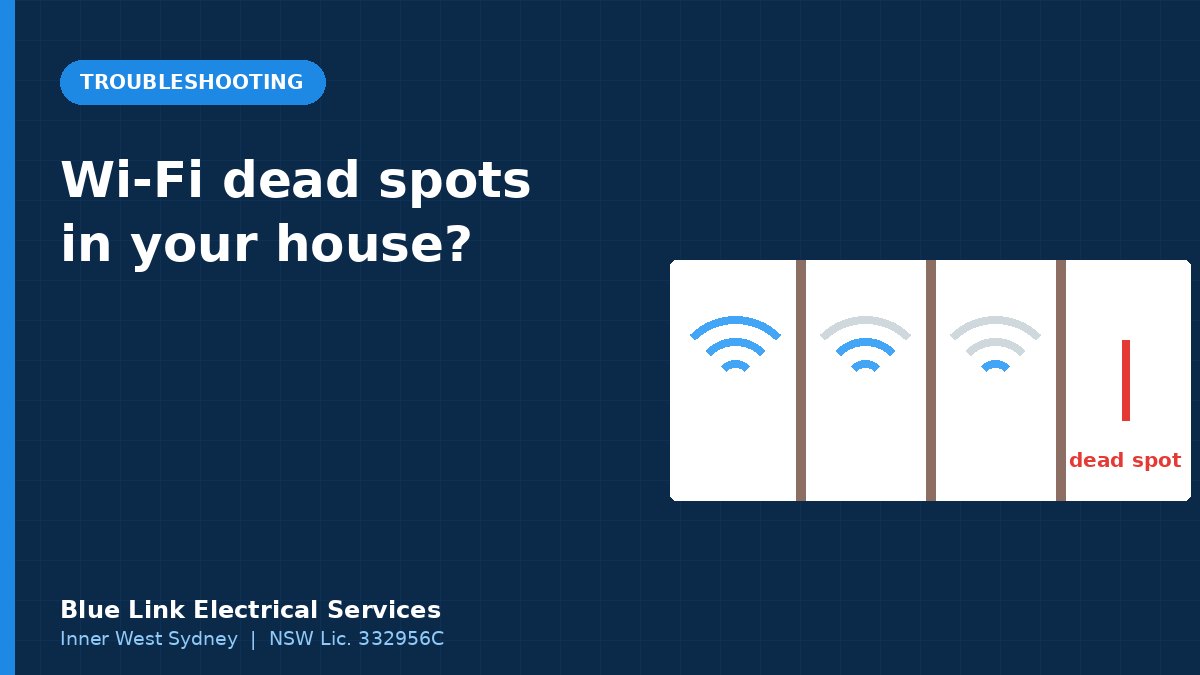
Short answer: Wi-Fi dead spots usually come from distance, thick walls (especially double brick) and a modem in the wrong spot. Try the easy fixes first: move the router to a central, raised position and update it. If that’s not enough, mesh Wi-Fi helps, and wired access points connected by ethernet give the most reliable whole-home coverage in long terraces and two-storey homes.
In a typical Inner West terrace, the NBN connection is at the front of the house and the family lives at the back. Between them are two or three double brick walls, which are tough on Wi-Fi. No wonder the kitchen and back bedroom get one bar. Here’s how to fix dead spots, from free tweaks to permanent solutions.
Why dead spots happen
| Cause | Why it matters |
|---|---|
| Distance | Wi-Fi weakens with distance, especially at higher speeds |
| Double brick and masonry | Thick masonry absorbs and blocks signals |
| Modem position | A router in a cupboard, on the floor or at one end of the house wastes coverage |
| Metal and appliances | Fridges, mirrors and metal cabinets reflect or block signal |
| Interference | Neighbours’ networks on the same channel, common in dense streets |
| Old equipment | Older routers have weaker range and fewer features |
Step 1: the free fixes
- Move the router to a central, open spot, raised off the floor and out of cupboards. Often the NBN connection is at the front, but the router can sit further in if there’s a cable or a data point.
- Restart and update the router’s firmware.
- Separate or combine bands. Some older devices behave better on 2.4 GHz, which travels further. Newer devices do best on 5 GHz nearby.
- Change the channel if your router doesn’t do it automatically, to avoid neighbours’ networks.
Step 2: test before you spend
Walk around with your phone and a speed test app, or the router’s app, and note where speeds drop. That map tells you where you need coverage.
Step 3: choose the right fix
Wi-Fi extenders
Cheap and simple, but they repeat a weak signal, often halving speed. Fine for one low-demand area.
Mesh Wi-Fi (wireless backhaul)
Several units work together to create one network. Easy to set up. In double brick homes, the units may struggle to talk to each other through walls, which limits performance.
Mesh or access points with wired backhaul
Each unit connects back to the router by an ethernet cable. This is the gold standard for whole-home coverage:
- full speed at each access point
- no reliance on Wi-Fi passing through brick walls
- ceiling-mounted access points look neat and give even coverage
Powerline adapters
These send data through your electrical wiring. Results vary a lot with the age and layout of the wiring. They can work in some homes but are unpredictable in older ones.
Wired access points: what’s involved
A ceiling or wall-mounted access point needs:
- an ethernet cable back to the router or a network switch
- power, usually through the same cable using PoE (Power over Ethernet)
- a sensible position, such as a central hallway ceiling on each level or at each end of a long house
The cable is fixed data cabling, so it must be installed by a cabler registered under the ACMA cabling rules, who will give you a signed compliance statement. Our ethernet cabling guide explains the process.
Common Inner West layouts and what works
| Home | Typical fix |
|---|---|
| Single-storey terrace, NBN at front | Wired access point in the rear living area |
| Two-storey terrace | One access point per level, cabled back to the router |
| Federation house with wide hallway | Router or access point in the central hallway ceiling |
| Backyard studio or granny flat | Cable or outdoor-rated link to an access point in the studio; see granny flat electrical |
| Apartment | Usually just better router placement or a single mesh node |
Devices that benefit most from cables
Even with great Wi-Fi, these work best wired:
- home office computers and docks
- smart TVs and streaming boxes
- gaming consoles
- PoE security cameras and video doorbells; see security cameras for Inner West homes
Tired of Wi-Fi dropouts at the back of the house? See our NBN and data cabling page or call 0421 772 661 to plan access points and cable runs.
Smart home and doorbells
Smart devices and video doorbells rely on Wi-Fi at the edges of your home, like the front door and backyard. Fixing dead spots usually fixes them too. If you’re planning automation, see our smart home wiring guide.
We help homes in Newtown, Marrickville, Dulwich Hill and Summer Hill.
Frequently asked questions
Why is my Wi-Fi bad at the back of the house?
Usually distance plus brick walls between the router and the back rooms. Moving the router or adding a wired access point at the back usually fixes it.
Is mesh Wi-Fi good for double brick homes?
It helps, but mesh nodes can struggle to connect through masonry. Mesh with wired (ethernet) backhaul performs much better.
Do powerline adapters work in old houses?
Sometimes. Performance depends on the wiring and circuits, so results are unpredictable in older homes.
Who can install a wired access point?
The fixed data cable must be installed by a cabler registered under the ACMA rules. If a new power point is needed, that part is electrical work for a licensed electrician.