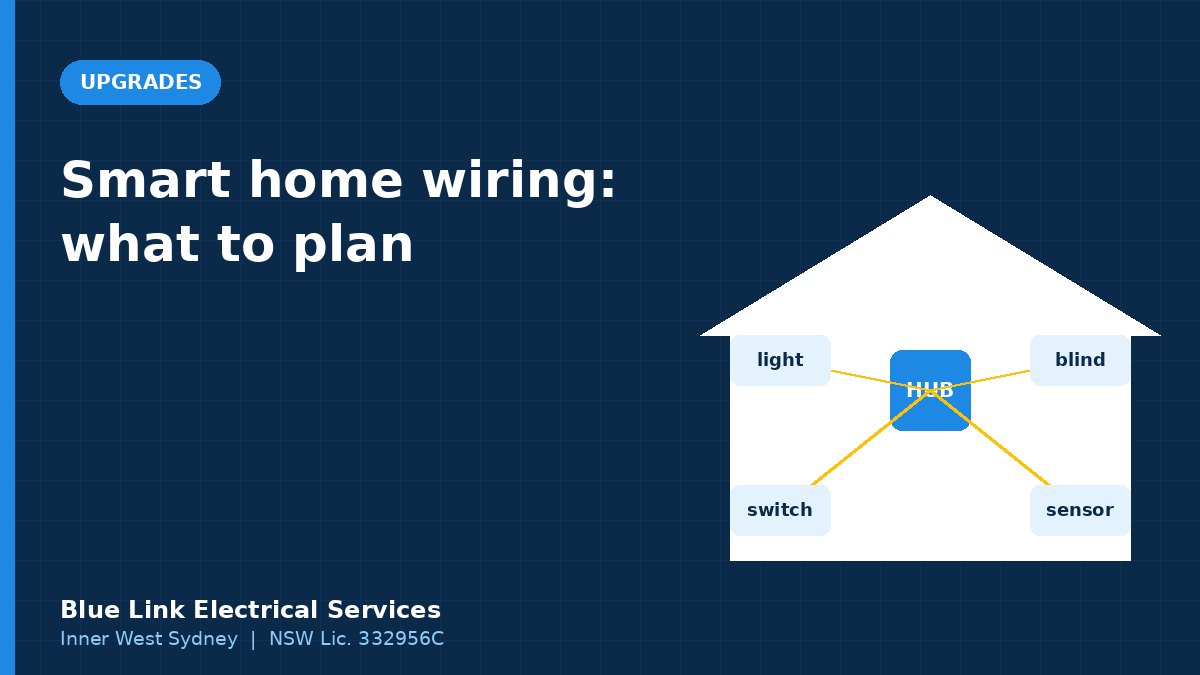
Short answer: Smart homes work best when the wiring is planned first. That means neutral wires at switch locations for most smart switches, deep wall boxes, data cabling to the hub and key rooms, and power where you’ll want blinds, sensors and cameras. Choose smart switches over smart bulbs for most lighting, and pick one main ecosystem or protocol. Any change to fixed wiring needs a licensed electrician.
Smart home gear is easy to buy and surprisingly easy to get wrong. Lights that won’t dim properly, switches that drop off the network and hubs scattered all over the house are common. A bit of wiring planning, ideally during a renovation, fixes most of it. Here’s what to think about.
Smart switches vs smart bulbs
| Smart switches | Smart bulbs | |
|---|---|---|
| Installation | Replace the wall switch (licensed electrician) | Screw in a new globe |
| Works with the wall switch | Yes, the switch is the smart device | Only if the switch is left on |
| Good for | Downlights, whole rooms, everyday use | Lamps, colour effects, renters |
| Dimming | Needs compatible LED fittings | Built in |
| Household friendliness | High, because the switch still works normally | Lower, because someone always turns the switch off |
For downlights and most fixed lighting, smart switches are usually the better choice. Our LED downlight buying guide covers choosing dimmable fittings.
The wiring details that matter
Neutrals at the switch
Many smart switches need a neutral conductor at the switch to power their electronics. Older homes often only have the switched active at the switch. Some no-neutral smart switches exist, but they can cause flickering with low-wattage LEDs. Your electrician can check what’s at each switch.
Box depth
Smart switch mechanisms are bulkier than standard switches. In older homes, especially with plaster on brick, the wall cavity may be shallow. Deeper mounting blocks may be needed.
Dimming compatibility
Smart dimmers must match the LED drivers they control. Mismatches cause buzzing, flicker or a limited dimming range. See dimmer switch buzzing.
Protocols and ecosystems
Smart devices talk to each other using different wireless systems, such as Wi-Fi, Zigbee, Z-Wave, Thread and Matter. You don’t need to understand them all, but you should:
- pick one main app or ecosystem for the household
- check compatibility before buying each device
- avoid too many Wi-Fi devices on a basic router, which can slow your network
Data cabling: the backbone
Wi-Fi does the heavy lifting in a smart home, so solid Wi-Fi coverage is essential. A few wired data points make everything more reliable:
- at the hub or router location
- for wired access points on each level or at each end of the house
- for TVs and media
- for PoE cameras and video intercoms
Fixed data cabling must be installed by a cabler registered under the ACMA cabling provider rules. See our ethernet cabling guide.
What to pre-wire in a renovation
When walls and ceilings are open, add:
- neutrals and deep boxes at every switch location
- power at window heads for motorised blinds or curtains
- data cables to a central cabinet
- power and data for cameras, doorbells and access points
- spare conduit to the roof space and subfloor for future upgrades
It costs a fraction of retrofitting later. Our kitchen renovation planning guide covers the order of trades.
Common smart home projects
- Lighting scenes: “evening”, “movie”, “all off” from one button or voice command
- Motion lighting: hallways and stairs that light up at night
- Climate: smart air conditioning control and sensors
- Energy: monitoring solar, batteries and big loads
- Security: cameras, doorbells and alarms in one app; see security cameras for Inner West homes
Planning a smarter home? We wire smart switches, dimmers and power for automation. See our home automation page or call 0421 772 661.
Who does what
- Licensed electrician: smart switches, dimmers, new power points, hardwired devices and circuit changes. In NSW, all electrical wiring work needs a licence, and the electrician must lodge a Certificate of Compliance for Electrical Work, as the NSW Government explains.
- Registered cabler: fixed data cabling
- You: app setup, plug-in devices and smart bulbs
We wire smart homes in Balmain, Rozelle, Leichhardt and across the Inner West. See our lighting installation in Leichhardt too.
Frequently asked questions
Do smart switches need a neutral wire?
Many do. Some no-neutral models exist, but they can cause flicker with LEDs. An electrician can check whether your switch locations have a neutral.
Can I install smart switches myself in NSW?
No. Replacing a fixed wall switch is electrical wiring work and needs a licensed electrician.
Are smart switches better than smart bulbs?
For most fixed lighting, yes, because the wall switch still works normally and you can use any compatible LED fitting. Smart bulbs suit lamps and renters.
Do I need data cabling for a smart home?
Not always, but a few wired points for the router, access points, TVs and cameras make a smart home much more reliable.